**** Install VM Tools ****

on 11:40 AM

# cd /media/vmware

# cp VMwaretools.9.tar.gz /tmp/

# cd /tmp/

# tar -xvf VMwaretools.9.tar.gz

# ls

# cd VMware-tool-distrib/

# ./VMware-install.pl

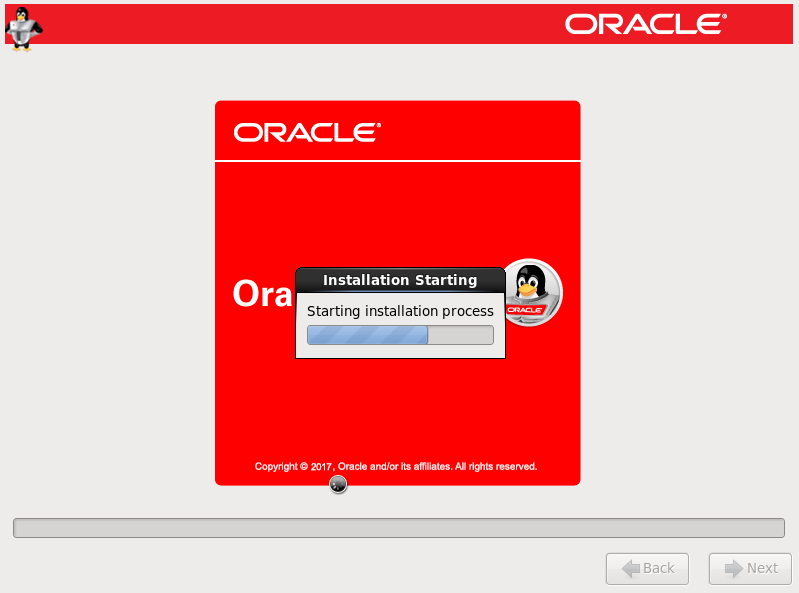
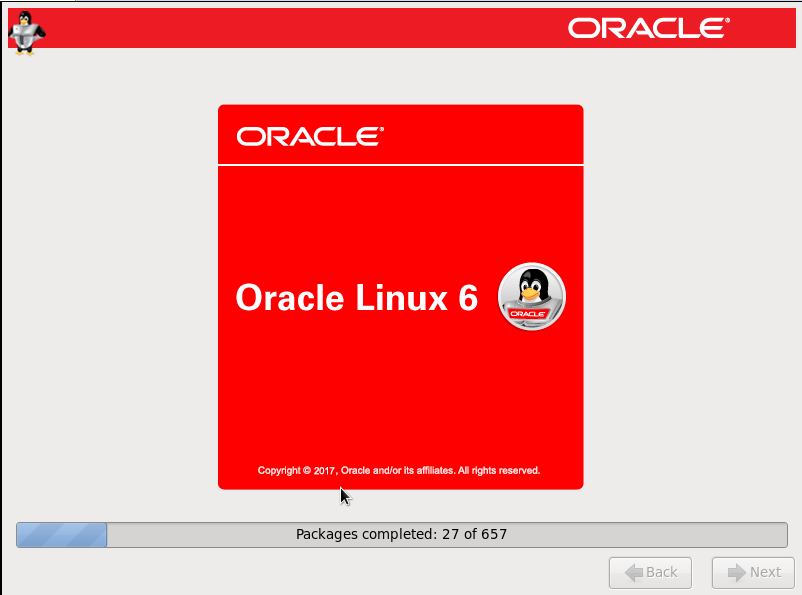
OEL 6 Installation

on 4:42 AM


Note : If we want the " Desktop " Version / Graphical Version  we can select here.


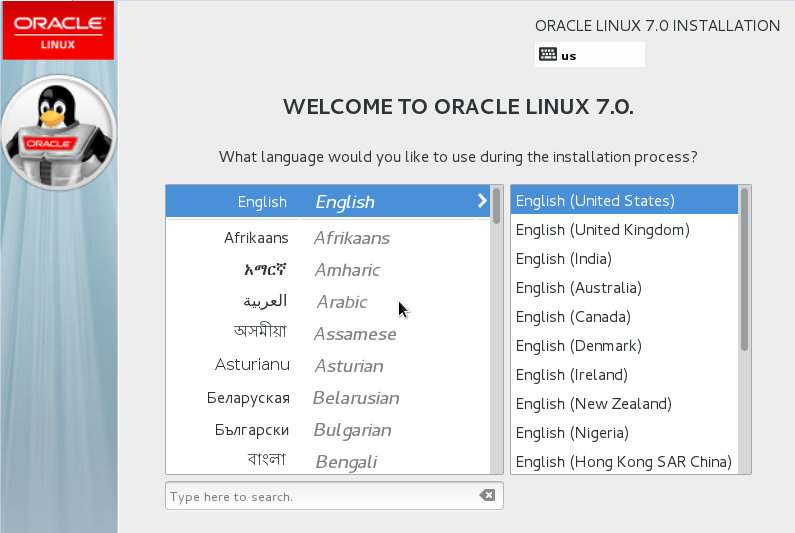
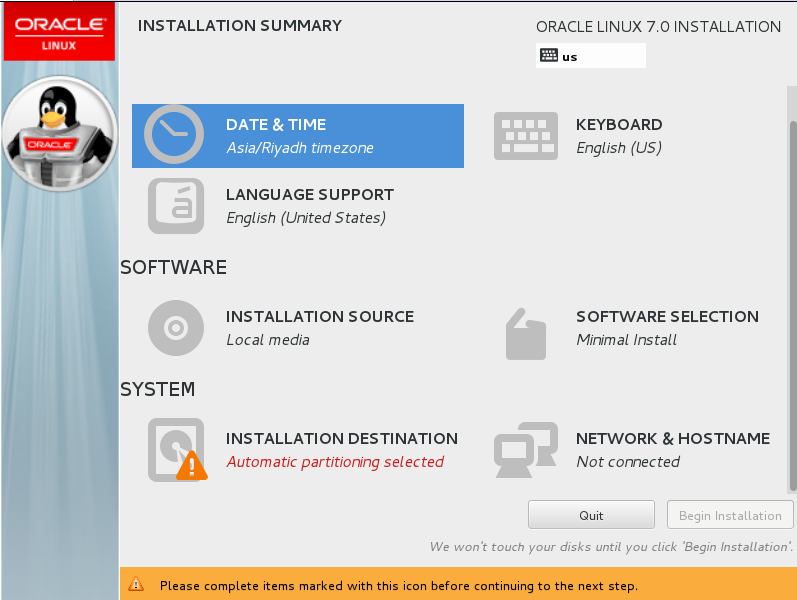
OEL 7 Installation

on 2:14 PM


Some New Featues of Oracle Database 18c :

on 11:00 PM


Simplified Image-based Oracle Database Installation : 

With Oracle 18c , the database software is in image file for download and installation.

RPM - Based Oracle Database Installation : 

By using rpm-ivh command , an RPM based database installation performs pre - installation validations, ownshership
to users and groups, maintains the oracle inventory.

Read-Only Oracle Home : 

If we chose a read only oracle home , then the database tools and process write under the ORACLE_BASE path instead
of under the oracle home directory.

Local Switch Home Command for Patching Databases

Oracle came up with new built-in tool , " rhpctl " that enables you to switch from current oracle database home to a patched
oracle database home.

Exploring Oracle 12c

on 10:59 PM


ORA-00054: resource busy and acquire with NOWAIT specified

on 6:11 AM

SQL> alter table Details add (mobile varchar2(15));
*
ERROR at line 1:
ORA-00054: resource busy and acquire with NOWAIT specified

Workaround :


1 . In Oracle 11g you can set ddl_lock_timeout i.e. allow DDL to wait 

for the object to become available, simply specify how long you would like it to wait:

SQL> alter session set ddl_lock_timeout = 500;
Session altered.

SQL> alter table Details add (mobile varchar2(15));

Table altered.

2.  We can mark your table as read-only to prevent DML:

SQL> alter table emp read only;
Session altered.

SQL> alter table Details add (mobile varchar2(15));

Table altered. 

3. This workaround is not preferred on production database , can you use according to the 
criticality of the problem. 

Identify the session which is locking the object


SQL> select a.sid, a.serial#

from v$session a, v$locked_object b, dba_objects c 
where b.object_id = c.object_id 
and a.sid = b.session_id
and OBJECT_NAME='Details';

kill that session using


SQL> alter system kill session 'sid,serial#'; 

ORA-09817: Write to audit file failed.

on 11:01 PM

[oracle@exdprd]$ sqlplus / as sysdba

SQL*Plus: Release 11.2.0.4.0 Production on Tue Jun 26 07:59:43 2018

Copyright (c) 1982, 2013, Oracle.  All rights reserved.

ERROR:
ORA-09817: Write to audit file failed.
Linux-x86_64 Error: 28: No space left on device
Additional information: 12
ORA-01075: you are currently logged on

Workaround :

1. Check the free space of mount point /u01 

[oracle@exdprd]$ df -h

2. Remove old and unwanted trace and audit files.

3 . Check the space now on mount pount /u01

4. Now we will be able to login successfully. 

Storage Terminology

on 11:16 PM

1  B (Byte)  = 8 Bits.

1 KB (Kilo Byte)  = 1024 B or 103 (Bytes).


1 MB (Mega Byte) = 1024 KB or 106 (Kilo Bytes).


1 GB (Giga Byte) = 1024 MB or 109 (Mega Bytes).


1 TB (Tera Byte) = 1024 GB or 1012 (Giga Bytes).


1 PB (Peta Byte) = 1024 TB or 1015 (Tera Bytes).


1 EB (Exa Byte) = 1024 PB or 1018 (Peta Bytes).


1 ZB (Zetta Byte) = 1024 EB or 1021 (Exa Bytes).


1 YB (Yotta Byte) = 1024 ZB or 1024 (Zetta Bytes).


1  (Bronto Byte) = 1024 YB or 1027 (Yotta Bytes).


1  (Geop Byte) = 1024 ZB or 1030 (Bronto Bytes).


Network Time Protocol (NTP)

on 12:58 PM

Network Time Protocol (NTP) is a networking protocol for clock synchronization between computer systems over packet-switched, variable-latency data networks.

The protocol is usually described in terms of a client-server model, but can as easily be used in peer-to-peer relationships where both peers consider the other to be a potential time source.

Clock synchronization :

A typical NTP client will regularly poll three or more servers on diverse networks. To synchronize its clock, the client must compute their time offset and round-trip delay. 

Round Trip Delay :

d=(T4-T1)-(T2-T3)

Time Offset :

t=(T2-T1)+(T3-T4)/2


Oracle Database 18c

on 9:49 AM

Larry Ellison introduced the first Autonomous Database Cloud with Oracle Database 18c at Oracle OpenWorld 2017, which runs on EXADATA infrastructure. The Oracle Autonomous Database Cloud uses ground-breaking machine learning to eliminate the human labor associated with tuning, patching, updating and maintaining the database and includes the following capabilities

1. Self-Driving: Provides continuous adaptive performance tuning based on machine learning. Automatically upgrades and patches itself while running. Automatically applies security updates while running to protect against cyber-attacks.

2. Self-Scaling: Instantly resizes compute and storage without downtime. Cost savings are multiplied because Oracle Autonomous Database Cloud consumes less compute and storage than Amazon, with lower manual administration costs.

3. Self-Repairing: Provides automated protection from downtime. SLA guarantees 99.995 percent reliability and availability, which reduces costly planned and unplanned downtime to less than 30-minutes per year.